
ENGINEERING GUIDE
QVeris CLI: Universal API Access from the TerminalQVeris CLI: Terminal API Access
Discover and inspect API capabilities from the terminal, then validate one authorized call and its returned evidence.
On this page
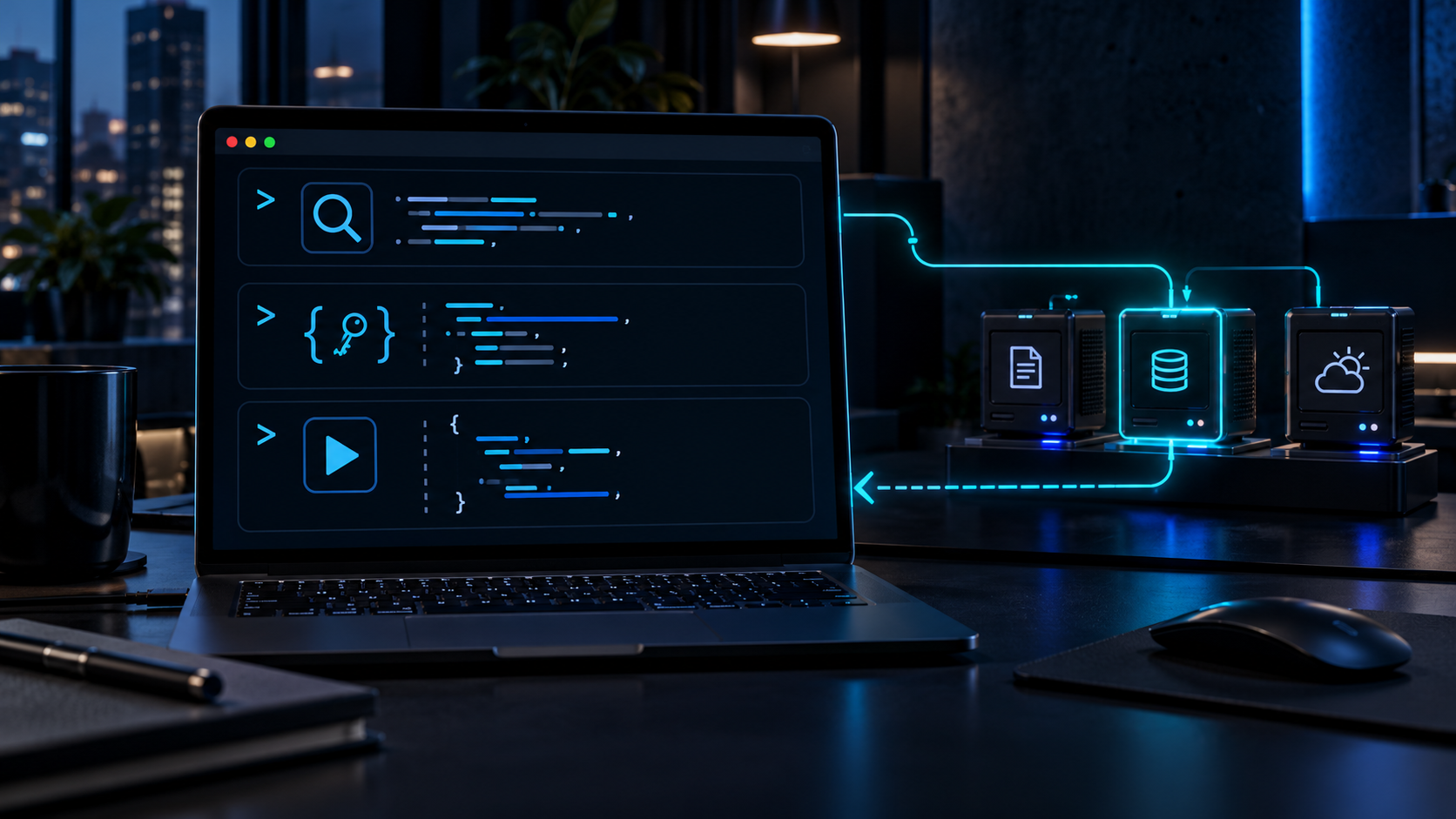
Up and Running in 30 Seconds
Install
One command. No configuration needed.
$ npm install -g @qverisai/cliLogin
Interactive authentication. One and done.
$ qveris loginDiscover
Search across 10,000+ capabilities.
$ qveris discover "any API you need"Three Commands. Any API. Under 30 Seconds.
Discover
Describe what you need in plain language. QVeris semantic-matches across 10,000+ tools.
$ qveris discover "real-time stock quotes"

Found 6 tools:
  1. finance.stock_quote    Real-time stock quotes   320ms  99.2%
  2. market.live_price      Live market prices       450ms  98.7%
Search is always free — zero credit cost.
Inspect
Check parameters, success rate, provider notes, and cost before calling.
$ qveris inspect 1

finance.stock_quote
Provider: MarketData Pro · Avg: 320ms · Success: 99.2%
Parameters:
  symbol    string (required)   Stock ticker symbol
  exchange  string (optional)   Exchange code
Inspection is always free.
Call
Execute and get structured JSON results. Built for automation from day one.
$ qveris call 1 --params '{"symbol":"AAPL"}'

{
  "symbol": "AAPL",
  "price": 198.52,
  "change": +2.31,
  "volume": 45230100
}
Discover and Inspect are free. Receive 1,000 one-time signup credits after verification; buy 10,000 credits for $19. Credits never expire, with no monthly fees or auto-renewal. Check the selected tool before a live call.
CLI vs MCP Server: Which Should You Use?
Both connect your agent to QVeris. The right choice depends on your workflow.
| CLI | MCP Server | |
|---|---|---|
| Best for | Terminal, scripts, agent shell calls | IDE agents (Cursor, Claude Code) |
| Install | One-line npm install | IDE configuration |
| Token cost | ~50–100 tokens per command | Schema injection scales with tool count |
| Token savings | Up to 80% vs MCP | Baseline |
| Output | Human-friendly + --json | MCP protocol format |
| Interaction | REPL, pipes, scripts | IDE-embedded chat |
| Recommended for | Agent automation pipelines | Cursor / Claude Desktop |
CLI and MCP aren't mutually exclusive — use CLI for automation, MCP for IDE workflows. Both connect to the same QVeris network.
Everything You Need, Nothing You Don't
Natural Language Search
Describe what you need. QVeris semantic-matches across 10,000+ tools. No API names to memorize. No documentation hunting.
Code Generation
qveris codegen curl|python|javascript generates ready-to-use API call code for your project in seconds.
Agent-Optimized
--json output + stdin pipes + structured exit codes. Built for automation from day one — not bolted on as an afterthought.
Zero-Config Setup
One-line npm install. Interactive qveris login. From zero to productive in 30 seconds. No YAML, no config files, no environment variables.
Interactive REPL
qveris interactive opens an exploratory shell to discover and test APIs conversationally — like a playground for API exploration.
Built-in Diagnostics
qveris doctor checks Node.js version, API key validity, and network connectivity in one command. Debug in seconds, not hours.
Built for Every Workflow
Developer Daily Workflow
Verify API responses without leaving the terminal. Run codegen to paste production-ready code directly into your project.
$ qveris discover "geocoding API"
$ qveris call 1 --params '{"address":"SF"}'
$ qveris codegen python
Agent Automation Pipelines
Let your AI agent discover and call APIs through shell pipes — zero schema injection overhead.
$ qveris discover "weather forecast" --json --limit 1 |
  jq -r ".results[0].tool_id" |
  xargs -I {} qveris call {} --json
Batch Data Collection
Combine with shell pipes for batch operations across multiple inputs — one loop, unlimited symbols.
$ for symbol in AAPL GOOGL MSFT; do
    qveris call finance.stock_quote \
      --params "{\"symbol\":\"$symbol\"}" --json
  done | jq -s "."
Command Reference
| Command | Description | Cost |
|---|---|---|
qveris discover <query> | Natural language API search | Free |
qveris inspect <id> | View tool details, params, examples | Free |
qveris call <id> | Execute a tool and get results | Discover and Inspect are free. Receive 1,000 one-time signup credits after verification; buy 10,000 credits for $19. Credits never expire, with no monthly fees or auto-renewal. Check the selected tool before a live call. |
qveris interactive | Start interactive REPL | — |
qveris login / logout | Authentication management | — |
qveris credits | Check remaining balance | — |
qveris doctor | Check Node.js, API key, connectivity | — |
qveris codegen | Generate curl/Python/JS snippets | — |
qveris usage | View usage audit history | — |
All commands support --json output · --api-key override · --timeout.
For installation and current syntax, use the official npm package and QVeris CLI documentation. Source and releases are available from the QVeris GitHub organization.
Frequently Asked Questions
What is QVeris CLI?
How does QVeris CLI reduce LLM prompt tokens?
Is QVeris CLI free to use?
What's the difference between QVeris CLI and MCP Server?
Which AI agent frameworks work with QVeris CLI?
10,000+ APIs. One Command Away.
Discover and Inspect are free. Receive 1,000 one-time signup credits after verification; buy 10,000 credits for $19. Credits never expire, with no monthly fees or auto-renewal. Check the selected tool before a live call.
$ npm install -g @qverisai/cliFeatured Providers
GitHub
Repository evidence for coding and delivery workflows.