
Claude Code MCP Figma Setup & Troubleshooting
Connect Claude Code to Figma's remote MCP, authorize access, and test one frame; isolate permission, link, and response failures.
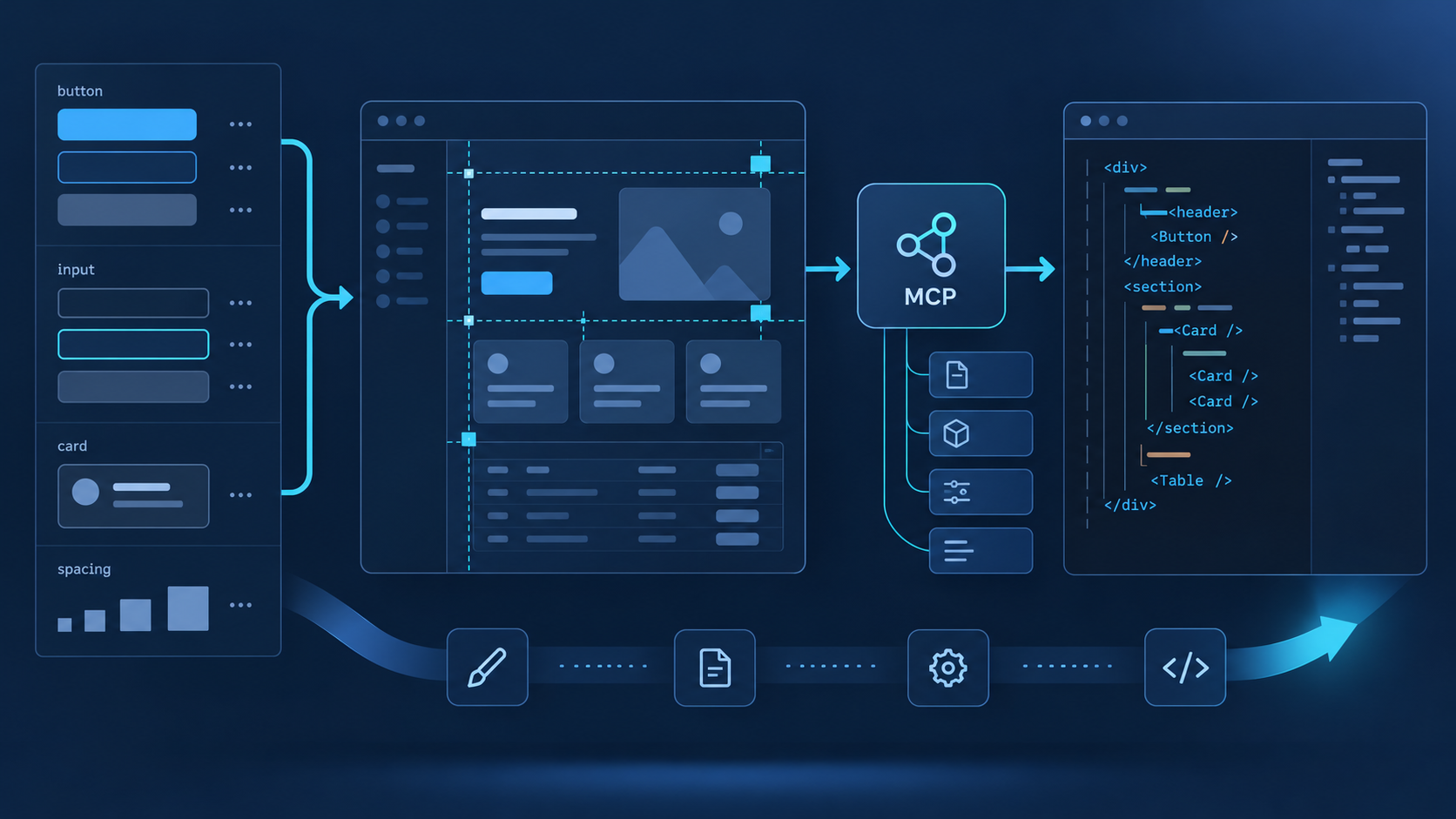
The reliable way to connect Claude Code and Figma
The shortest supported route is the official Claude Code plugin backed by Figma's remote MCP server. Install the plugin, restart Claude Code, complete browser authorization, inspect the server state with /mcp, and test one precise frame URL. That last test matters: a green connection only proves that the transport and account handshake worked; it does not prove the selected account can read the target file or that the link identifies useful design context.
Use the official plugin and remote server unless your organization explicitly requires the desktop endpoint. It has the broadest tool coverage and does not depend on keeping one desktop file open.
A successful setup produces three signals: Figma is connected in /mcp, the authorized user can open the file, and Claude Code can summarize one linked frame.
Ask for a component, typography, color, and spacing inventory before requesting edits. This exposes missing context while keeping repository changes out of the test.
Change one layer at a time: process, server registration, authorization, Figma permission, node link, then payload size. Otherwise a retry may hide the real cause.
Choose the connection before editing configuration
Figma documents both a hosted remote endpoint and a desktop endpoint. They solve the same broad problem but have different operational assumptions. The remote server at https://mcp.figma.com/mcp is the default for most teams. The desktop server at http://127.0.0.1:3845/mcp is local to the machine and depends on Figma desktop availability, eligible access, and the current canvas context.
| Option | How it connects | Choose it when | Check first |
|---|---|---|---|
| Official plugin | Installs Figma's remote MCP settings and packaged skills with one Claude Code command. | You want the supported default and the least manual configuration. | Plugin installation, restart, browser authorization. |
| Manual remote | Registers the hosted Figma URL directly as an HTTP MCP server. | Your environment manages MCP registrations explicitly or cannot use plugins. | Exact endpoint, transport type, OAuth completion. |
| Desktop server | Claude Code calls a localhost endpoint exposed by the running Figma desktop app. | A local workflow or organization policy specifically requires it. | Desktop app state, seat eligibility, selected frame, local port. |
Run claude plugin install figma@claude-plugins-official from a normal shell. Let the command finish, then fully exit and reopen Claude Code so the process loads the new server registration.
Open the MCP or plugin view and start the connection. Finish the Figma browser consent flow using the account that can actually open the design file. Signing in with a second personal account is a common source of later permission errors.
Run /mcp and inspect the Figma entry. If it is absent, stay at the registration layer; repeating authorization will not fix a plugin that the running Claude Code process never loaded.
In Figma, select the intended frame or component and copy its direct link. Ask Claude Code to identify the node name, visible states, design variables, and major child elements. A file-level homepage URL is a weaker test because it may omit the node identifier.
Verify the connection with a four-layer test
Do not treat one status icon as end-to-end proof. A useful verification moves from transport to identity, then from design retrieval to semantic quality. Stop at the first failed layer. This keeps the diagnosis small and prevents a vague “Figma is not working” report.
| Layer | Test | Passing evidence | If it fails |
|---|---|---|---|
| Transport | Inspect Figma in /mcp. | The server is listed and connected. | Restart, then inspect plugin or server registration. |
| Identity | Open the target file with the authorized account. | The file and linked node are visible. | Reauthorize the correct account or request access. |
| Retrieval | Request metadata for one small frame. | Claude Code returns the expected node and children. | Copy a direct node link and reduce the selection. |
| Meaning | Ask for components, variables, states, and screenshot agreement. | Structured context matches the visible design. | Improve file structure or narrow the requested scope. |
Reusable connection test: “Read this Figma frame without changing the repository. Return the frame name, dimensions, component instances, text styles, color variables, spacing patterns, and visible interaction states. Flag anything you cannot retrieve.” This prompt separates connection quality from implementation quality.
Troubleshoot by symptom, not by random reinstall
Most connection failures belong to a specific layer. Capture the exact symptom, the server mode, the account used for authorization, and one reproducible node link before changing anything. A clean diagnostic record is especially useful when team members have different Figma seats or Claude Code versions.
| Symptom | Likely layer | Check in order |
|---|---|---|
| No Figma entry in /mcp | Installation or process loading | Plugin install result → full restart → active Claude Code environment → registration. |
| Listed but disconnected | Authorization or endpoint | OAuth completion → correct remote URL → proxy/firewall → stale session. |
| Connected but access denied | Figma identity and file permission | Authorized email → team membership → file sharing → seat or plan limits. |
| Wrong or empty context | Link and selection | Direct node URL → node still exists → correct page → smaller frame. |
| Slow or truncated response | Request scope and payload | One frame → metadata first → targeted context → screenshot only when needed. |
| Desktop localhost error | Local server availability | Figma desktop running → MCP enabled → port 3845 → local security software. |
Permissions, limits, and production hygiene
- Authorize the least-privileged Figma account that can read the required files. Do not solve a sharing issue by broadly exposing a design library.
- Figma access and rate limits vary by plan and seat. When a workflow works for one teammate but not another, compare entitlement before changing configuration.
- Use small node-scoped requests during diagnosis. Large pages can consume more context, take longer, and blur whether the fault is transport or payload size.
- Keep repository mutation out of the connection test. First prove read access; then review the implementation plan before allowing code changes.
Use QVeris after the Figma boundary is clear
The live QVeris catalog does not currently expose an exact Figma Tool or Provider profile, so this page does not invent a product match. Figma MCP should remain responsible for Figma-native design context. When the broader agent workflow needs other APIs or live data, use QVeris Docs to review the integration model and test candidate capabilities in the QVeris Playground.
- Keep the Figma connection isolated and testable instead of routing unrelated data calls through the same server.
- Document which system owns design retrieval, repository changes, external API calls, and human approvals.
- Validate every additional capability independently before composing it with the design-to-code workflow.
Claude Code MCP Figma FAQ
Use the remote server for the normal Claude Code workflow. Choose the desktop endpoint only when local canvas selection or an organization-specific requirement makes it necessary.
The running Claude Code process probably did not load the plugin or registration. Confirm installation, exit completely, reopen Claude Code, and inspect /mcp before retrying OAuth.
Connection state and file permission are separate. Verify which Figma account completed authorization and confirm that exact account can open the file and linked node.
Copy a direct link after selecting the target frame or component. A node-scoped URL gives Claude Code a clearer retrieval target than a general file or project link.
The selection may be too large, poorly structured, or missing reusable variables and components. Start with metadata, narrow the frame, then request only the context needed for the next decision.
No. It proves access to design context. Accurate implementation still requires repository inspection, component mapping, responsive-state checks, and visual verification.
References and next steps
Figma Claude Code setup
Figma MCP server guide
Figma MCP tools and prompts
Figma MCP access and permissions
Claude Code MCP documentation
QVeris Docs
QVeris Playground