
Claude Code Browser MCP
Choose a browser MCP for Claude Code, inspect pages, perform bounded actions, and verify results; require approval for consequential operations.
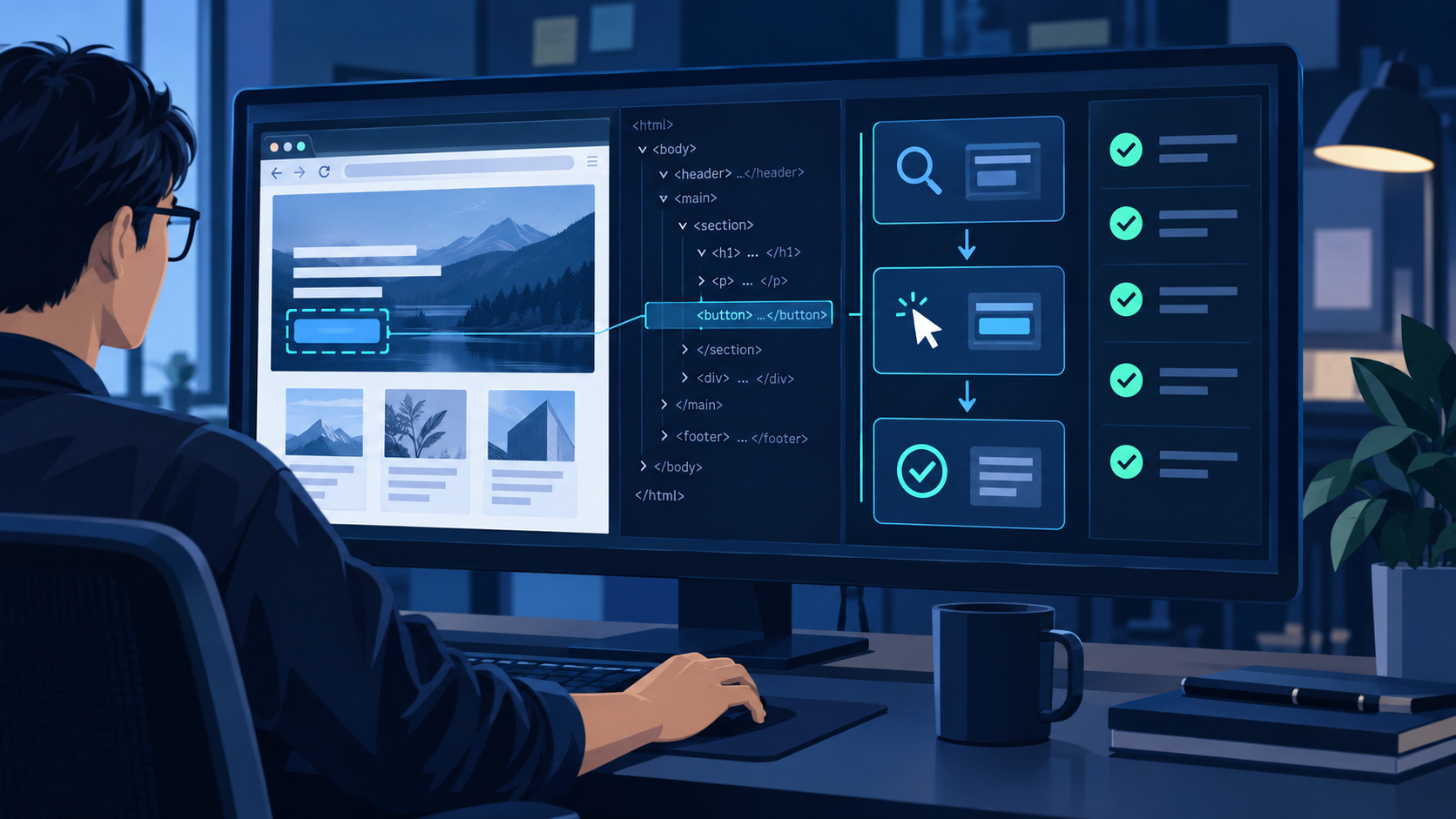
TL;DR
Pick a browser MCP by session model, inspection output, evidence support, permissions, and maintenance—not by tool count alone.
Begin on a public page. Confirm Claude Code can inspect the URL, identify a control, perform one reversible action, and read the resulting state.
Inspect first, act once, inspect again, and save evidence. Reacquire page references after navigation, refreshes, or modal changes.
Use isolated sessions and least privilege. Require approval before messages, purchases, publishing, permission changes, uploads, or deletion.
The practical answer is simple: a browser MCP is useful when Claude Code must understand and operate a rendered interface, but reliability comes from narrow tasks and observable checkpoints. If the required result is available through a stable API, use the API for the structured step and reserve the browser for UI-only work or final visual verification.
Choose and connect a browser MCP server
Define the browser job before choosing a server
“Use a browser” is not a sufficient requirement. Write down whether Claude Code needs public-page research, an authenticated workflow, form completion, download handling, network inspection, screenshots, or repeatable test generation. A local Playwright-based server can be a good fit for controlled development work, while a remote managed session may be easier when the workflow needs disposable browsers, remote execution, or session-level options. A browser-extension approach can reuse an existing profile, but it also brings more personal state and a larger permission surface into scope.
Compare the capabilities that affect reliability
- Inspection model: prefer semantic roles, accessible names, text, and structured snapshots over coordinate-only clicking.
- Session model: decide whether each task needs a clean session, persistent cookies, a named profile, or a remote session identifier.
- Evidence: check whether the server can return the current URL, page text, screenshots, console output, downloads, or network information needed to prove success.
- Control surface: confirm domain restrictions, permission prompts, headless or headed operation, timeout controls, and the ability to stop a session.
- Operational fit: review installation complexity, browser dependencies, release activity, and how failures are surfaced to Claude Code.
For a Playwright-oriented implementation, review the official Playwright MCP repository for the currently documented configuration and tool behavior. For Claude Code, use Claude Code docs as the source of truth for current MCP registration and permission controls. Keep the first configuration minimal; add persistent profiles, proxies, downloads, or broad domain access only after the basic path works.
Run a read-only smoke test
Use a public page that requires no login. Ask Claude Code to report the final URL, page title, one visible heading, and one named link without clicking anything. Next, allow one reversible navigation and ask it to report the new URL and heading. This isolates connection, tool discovery, browser startup, inspection, and navigation before credentials or mutable data are involved.
Use an inspect, act, and verify workflow
Give Claude Code an executable task contract
A reliable instruction names the start URL, desired outcome, allowed domains, permitted actions, forbidden actions, and visible success evidence. Replace “update the account” with a bounded request such as: inspect the profile page, report the current organization name, propose the exact replacement, and stop before saving. The agent now has a clear stopping point and the human can review the proposed mutation.
Inspect before every meaningful action
- Confirm the current URL and whether an unexpected redirect, consent screen, login wall, or interstitial appeared.
- Read the accessible page structure and locate controls by role, visible name, label, or stable test identifier.
- Perform one bounded action, then wait for the expected state change instead of chaining speculative clicks.
- After navigation, refresh, modal changes, or dynamic updates, reacquire the live page structure before acting again.
- Record the final URL and the page evidence that directly demonstrates the requested result.
Define evidence before the run
Success should be observable, not inferred from the absence of an error. For research, evidence might be the final URL plus quoted page fields. For form entry, it could be the populated field values before submission. For a saved change, require a confirmation message and a reloaded view showing the persisted value. For visual checks, define the viewport and the exact component or state that must appear in a screenshot.
Use a five-part prompt instead of a vague command
A reusable browser prompt contains five parts: context, outcome, scope, checkpoints, and evidence. Context tells Claude Code which account, environment, and starting page it is dealing with. Outcome describes the user-visible result rather than a sequence of guessed clicks. Scope lists allowed domains and actions, plus anything that must not happen. Checkpoints say where the agent must pause for review. Evidence specifies what it should return when the task succeeds or fails. This format remains useful even when the website changes because it constrains intent and proof, not fragile page coordinates.
- Context: “Use the staging account and begin at the project settings URL.”
- Outcome: “Prepare the new webhook configuration and show the completed form.”
- Scope: “Stay on the approved domain; do not submit, delete, or change permissions.”
- Checkpoint: “Stop before the final save and report the exact values.”
- Evidence: “Return the final URL, field summary, and any validation message.”
Recover from common browser failures
When a tool reports a missing element, first inspect again; the reference may be stale or the control may have moved into a modal or frame. If an action times out, check whether the page is still loading, waiting for a popup, blocked by authentication, or downloading a file. Do not repeat submissions blindly: inspect for confirmation, duplicate records, or a changed URL before retrying. When the workflow becomes repeatable and stable, move the deterministic portion into a committed test; the related Playwright MCP guide explains that narrower implementation path.
Safety and debugging practices
Separate observation, reversible actions, and consequences
Use three action levels. Read-only observation can usually proceed within an allowlisted domain. Reversible actions—opening filters, drafting text, populating an unsent form—should stop at a review checkpoint. Consequential actions require explicit approval immediately before execution: sending a message, publishing, placing an order, accepting terms, changing access, uploading private files, or deleting data. The approval should describe the exact target and payload, not merely ask whether to “continue.”
Isolate credentials and session state
- Prefer a dedicated test account or browser profile over a personal daily-use profile.
- Keep passwords, API keys, recovery codes, and raw cookies out of prompts, screenshots, and retained logs.
- Allow only the domains needed for the task and treat third-party login redirects as a separate approved scope.
- Use short-lived sessions for untrusted or one-off work; close remote sessions after collecting the required evidence.
- Review downloads and uploads by exact filename and destination before transfer.
Log enough to debug without exposing secrets
A useful run record includes timestamps, tool names, sanitized inputs, URLs, state transitions, approvals, and final evidence. Redact credentials and personal fields before retaining screenshots or logs. If a run fails, preserve the last known URL, visible error, console message when available, and the action that preceded it. This is enough to distinguish selector drift, authentication loss, page timing, blocked navigation, and an actual product error.
Where QVeris fits in a browser MCP stack
QVeris can complement Claude Code’s local MCP configuration with a structured browser-session capability. The verified Start Browser Session tool allocates an Anchor Browser session and exposes session options such as idle timeout and optional browser services. The Anchor Browser provider page identifies the underlying supplier.
Choose the layer that owns the task
- Use Claude Code with a local browser MCP when the task is part of an interactive development session and needs direct repository context.
- Use a QVeris browser-session tool when an agent workflow needs a structured, remotely allocated browser session with explicit inputs and returned session data.
- Use a direct API through QVeris when the same data or operation is available without rendering a page; this reduces dependence on selectors, timing, and visual state.
- Combine the layers when structured data preparation happens through an API, a UI-only step happens in the browser, and both outputs are retained as evidence.
The browser-session tool does not install or configure a Claude Code MCP server for you, and it does not remove the need to design permissions and approval checkpoints. It is a better fit when remote session allocation is itself part of the agent workflow. For repository-local exploration or repeatable CI tests, a local MCP server or committed Playwright suite may remain the simpler choice.
Know when browser automation is the wrong layer
Do not use a browser merely because the same information is visible on a page. A documented API is usually better for high-volume retrieval, typed inputs, predictable error handling, or workflows that must run unattended. A committed test is better for a stable assertion that belongs in every build. Manual review is better when a decision depends on legal meaning, irreversible financial impact, sensitive personal data, or ambiguous visual judgment. Browser MCP earns its place when rendered state, UI-only controls, or exploratory interaction is essential—not as a default replacement for every other integration method.
FAQ
No. Browser MCP is useful for agent-led exploration and changing tasks. Move stable, repeated assertions into committed tests so they can run deterministically in CI and be reviewed with the code.
Yes, if the server supports a persistent profile or authenticated session. Use a dedicated account, narrow the allowed domains, and avoid exposing raw cookies or credentials to the prompt.
The page may have replaced its DOM, opened a new context, or changed the accessible structure. Inspect again and acquire a fresh reference instead of retrying the stale target.
Use local execution for repository-connected development and easy debugging. Use a remote session when isolation, disposable environments, centralized controls, or remote orchestration matter more.
Prefer an API when it offers stable authentication, typed fields, predictable responses, and the required operation. Keep the browser for UI-only steps and rendered-state evidence.
Approve the exact payload immediately before any message, purchase, publication, permission change, private upload, legal acceptance, or deletion—not at the beginning of the run.