
GitHub
Repository evidence for coding and delivery workflows.
Compare APIs for Trae across coding, search, and application integrations, with access and failure checks.
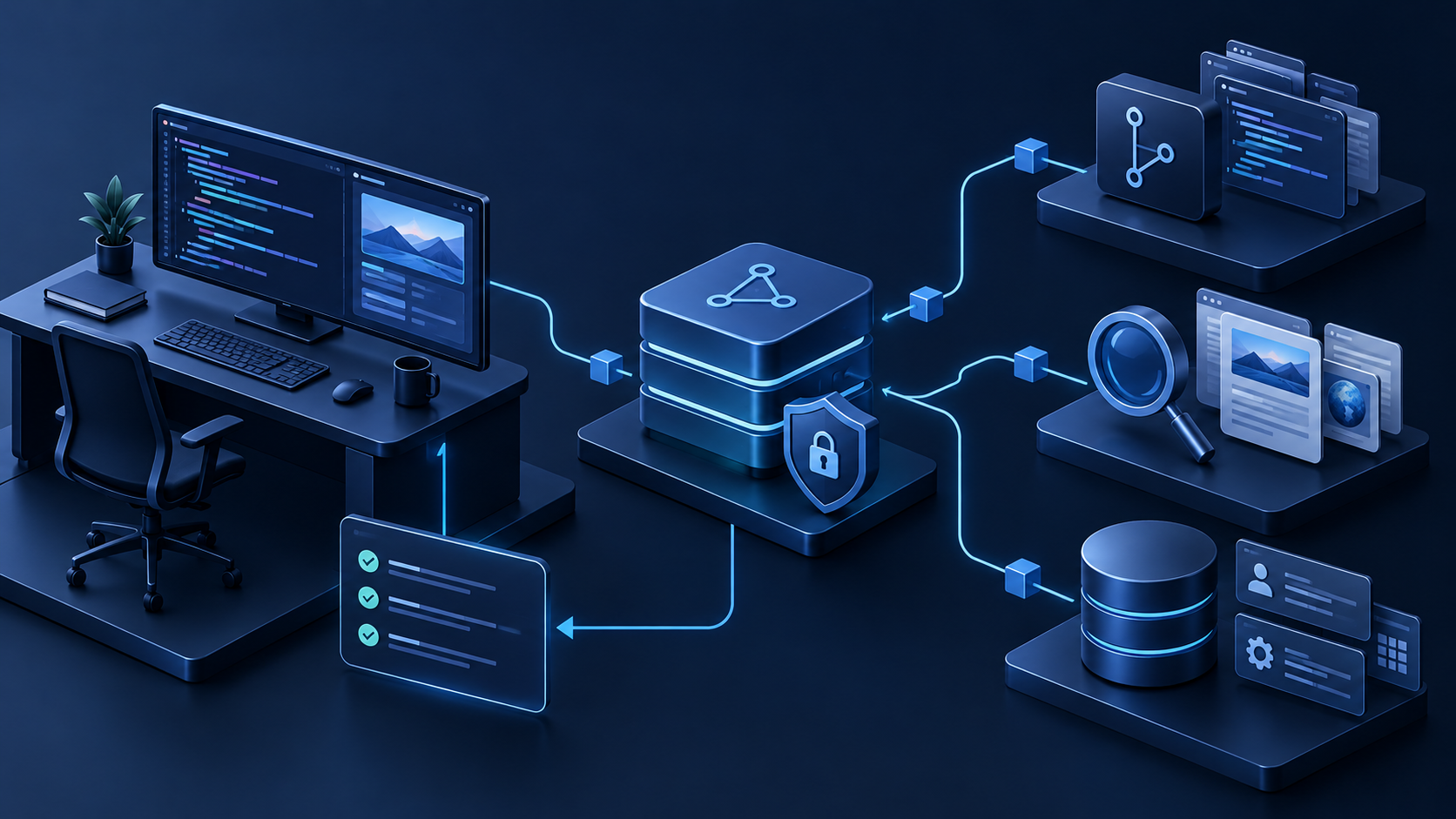
This is a workflow shortlist, not a claim that one vendor is universally superior. Each category adds something repository context cannot provide: current evidence, external state, or a controlled action. We favored documented interfaces, structured responses, testability, scoped authentication, and clear failure behavior.
Trae officially supports external tools through Model Context Protocol servers. MCP can adapt REST, GraphQL, or vendor SDKs into typed agent tools, but it does not replace credential protection, argument validation, result limits, or approval for consequential writes.
Use QVeris when a workflow must discover and call multiple external tools without a bespoke adapter for every provider. The QVeris documentation explains search and execution, while the tool directory narrows broad provider capabilities into specific operations.
GitHub is the natural choice for issue context, pull-request metadata, checks, releases, and repository automation. The official REST API provides task-oriented endpoints. Start read-only; creating an issue or draft pull request is easier to review than merging code or changing branch protection.
Supabase gives Trae a clear route from schema to a Postgres-backed application. Its Data API documentation covers generated REST and GraphQL interfaces. Use Row Level Security, separate service credentials from client keys, and review destructive migrations before execution.
A search API is useful when Trae must verify current documentation, compare recent sources, or build a research feature. Prefer results with canonical URLs, titles, snippets, and dates. The agent should open primary sources before turning snippets into claims.
Slack can turn a code-side workflow into a reviewable team process: fetch a thread, draft a deployment summary, or request approval. The Web API documentationSlack provider details defines methods and scopes. Use the smallest bot scopes and preview generated messages before sending.
Stripe is useful for checkout, subscriptions, and webhook-driven billing state. Follow the official API referenceStripe provider details, use test mode, verify webhook signatures, and make handlers idempotent. Keep payment creation and refunds behind explicit approval.
Use Maps APIs for geocoding, place lookup, routes, or travel-time estimates. Build a typed adapter around the official Maps Platform documentation. Restrict keys by application and API, respect attribution and storage rules, and handle ambiguous addresses.
A read-only Sentry integration can give Trae issue details, stack traces, release context, and event samples through the Sentry API. Redact sensitive event data and do not treat one trace as proof of root cause. Add a regression test before resolving the issue.
The strongest workflow is rarely “connect every API.” It is a small chain in which each service owns one kind of evidence or action. Keep the chain observable: every tool result should identify its source, timestamp, request scope, and failure state. Trae can then reason over bounded results without becoming the place where credentials, retries, and business rules live.
Combine a search API with GitHub when Trae needs current documentation before changing code. Search should return a short list of canonical sources; Trae opens the primary documentation, records the version or date when relevant, implements the smallest change, runs the repository checks, and creates a draft pull request. Do not allow search snippets alone to justify an API signature, and do not grant merge permission merely because the code compiles.
Combine Supabase with GitHub for schema-aware feature work. Start with schema inspection and read-only sample rows, then generate fixtures that contain no production personal data. Database migrations should be reviewed as artifacts in the pull request, with destructive statements and policy changes called out explicitly. Trae should not receive a service-role key in its prompt or repository; the MCP server or application backend should hold credentials and expose narrow operations.
Combine Sentry with Slack when the task is to investigate a production error and communicate status. Sentry supplies a bounded event sample, release context, and stack trace; repository tools map the trace to code; Slack receives a draft summary only after sensitive fields are redacted. Treat the proposed root cause as a hypothesis until a regression test reproduces the failure. Sending the message, resolving the issue, or starting a deployment should remain separate, reviewable actions.
Combine Stripe test mode with a database API to build checkout, subscription, and webhook flows. Use synthetic customers, signed test webhooks, idempotent handlers, and an explicit state model for retries. Trae can generate and test the integration, but live charges, refunds, and entitlement changes deserve restricted keys and human approval. This boundary lets the coding workflow stay fast without turning a generated tool call into an irreversible business event.
An API may have excellent documentation and still be a poor agent tool if one call can return thousands of rows, trigger an irreversible action, or hide which account it affects. Before connecting it to Trae, define the contract that sits between the coding agent and the provider.
Write down the allowed resources, date range, page size, maximum calls, timeout, retry policy, and required freshness. A “get recent errors” tool is safer and easier to test than a generic “run any Sentry query” tool. A stock quote, deployment status, and billing record also have different freshness expectations; return timestamps rather than letting the model guess.
Use separate credentials for local development, CI, staging, and production. Prefer short-lived or restricted tokens where the provider supports them, and keep secrets outside prompts, generated source files, logs, and tool results. The response should identify the environment and account in a non-sensitive form so a reviewer can catch accidental production access.
Read operations can often run automatically, while messages, payments, deletes, merges, and permission changes should pause for confirmation. Return typed errors for authentication failure, rate limits, timeouts, partial data, and policy rejection. Preserve the provider request ID or equivalent provenance when available. These details make a Trae workflow debuggable and prevent a fluent explanation from hiding an incomplete API response.
| Need | Start with | First operation | Guardrail |
|---|---|---|---|
| Discover tools | QVeris | One read operation | Schema and result caps |
| Ship code | GitHub | Issue and PR metadata | No automatic merge |
| Store app state | Supabase | SELECT and fixtures | RLS |
| Coordinate people | Slack | Draft a message | Preview before sending |
| Monetize | Stripe | Test checkout | Signed webhooks |
| Diagnose production | Sentry | Read-only issue context | Redaction and tests |
Specify the input, output, freshness requirement, maximum result size, and whether the operation reads or writes.
Keep credentials server-side, validate arguments, normalize errors, and return timestamps and provenance.
Register only the operations the workflow needs and configure Trae permissions at the narrowest useful scope.
Cover empty results, invalid auth, rate limits, timeouts, partial responses, duplicate webhooks, and revoked permissions.
For a focused live-data example, read about real-time stock market data for Trae.
Trae supports external tools through MCP. A small MCP server can hold credentials, call a REST or GraphQL API, validate the response, and return a bounded result.
Choose the API that supplies the one piece of external evidence or state blocking your workflow.
No. Keep credentials in the tool server environment or an approved secret manager, and expose only narrow operations.
They solve different layers. REST is commonly the provider interface; MCP describes tools to the agent and carries tool calls.
Test one exact operation with bounded inputs, inspect its response, and only then connect it to automation.
Repository evidence for coding and delivery workflows.